Case study/Creator/Accessible communication
ETalken AAC
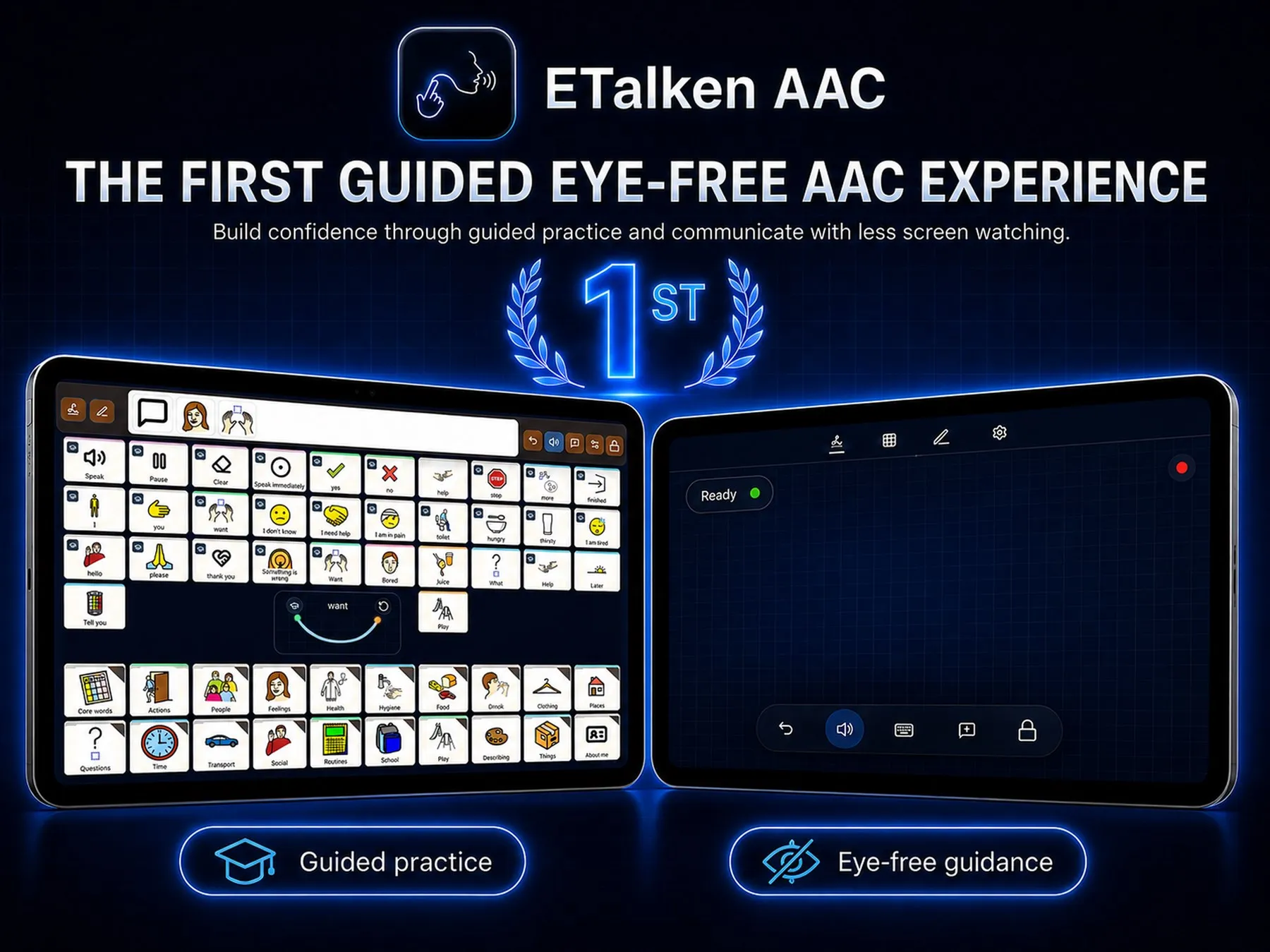
A communication app for people with speech difficulties. Words and phrases are spoken through taps, gestures, and visual boards, with less need to watch the screen.
- Role
- Creator
- Platforms
- iOS and Android
- Starter words
- 17 languages
- Works
- Offline, on the device
(01) The idea
Most AAC apps are built around looking: find the right symbol, then tap it.
ETalken adds another way in. People turn comfortable taps and movements into their own shortcuts, practise them, and over time rely less on the screen.
“Build confidence through guided practice and communicate with less screen watching.”etalken.com
(02) What it does
-
Personal shortcuts
Taps, strokes, or a mix of both, each linked to a word, a phrase, or an action.
-
Guided practice
A coach pairs board words with their shortcuts until they feel natural.
-
Visual boards
Familiar words and symbols, ready to make your own.
-
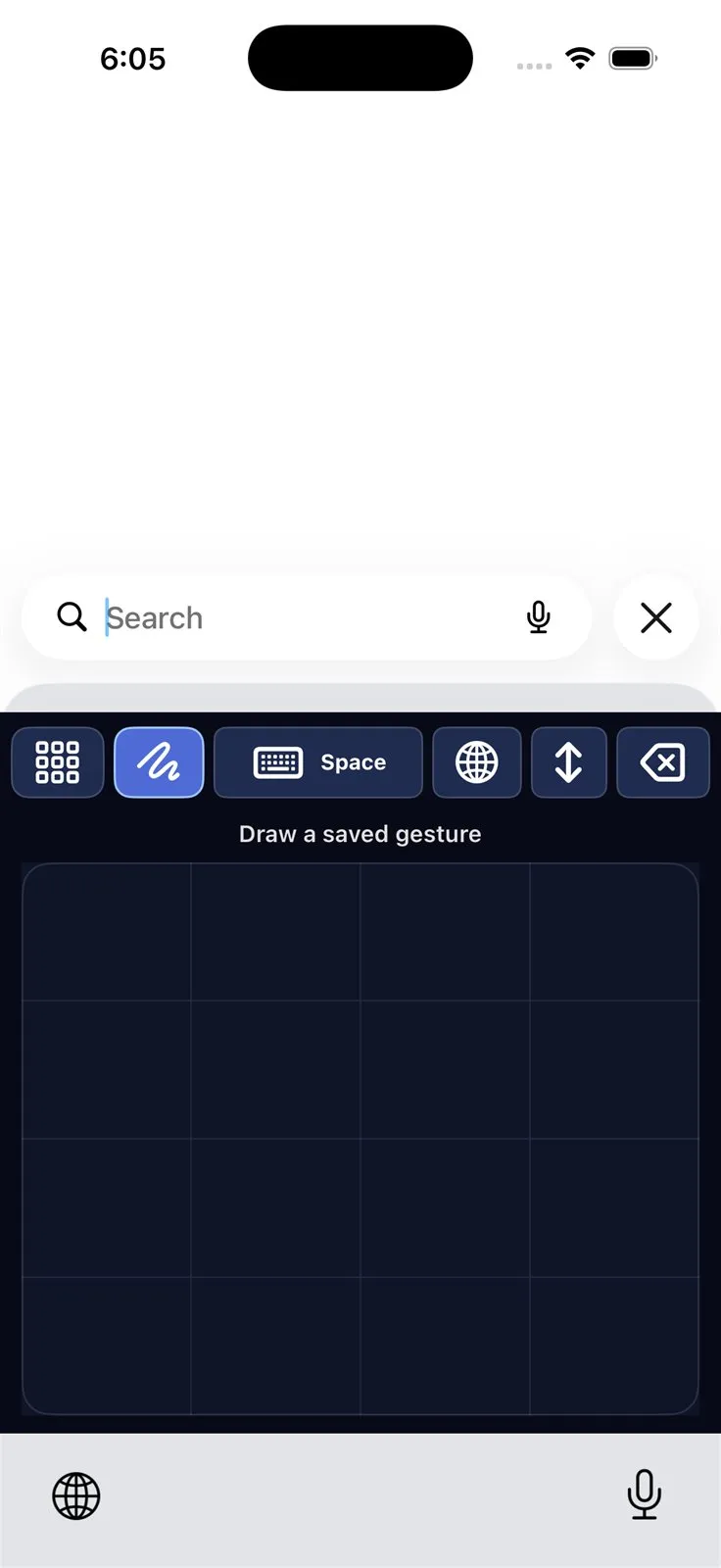
A keyboard for other apps
The same boards and shortcuts, anywhere you can type.
-
Natural speech
Phrases are spoken in the device’s own voices.
-
Private by design
Everything works on the device. Cloud backup is optional.
(03) How a shortcut is learned
-
01
Make it
Draw or tap it a few times, in your own way.
-
02
Link it
Attach a word, a phrase, or an action.
-
03
Practise it
Guided practice until it comes easily.
-
04
Use it
On the pad, or through the keyboard in other apps.
(04) Choices
- 01
No modes
Every tap or stroke simply continues the shortcut, and a short pause finishes it.
- 02
One rule everywhere
The pad, the coach, and the keyboard read input the same way, so nothing has to be learned twice.
- 03
Offline first
Communication shouldn’t wait for a connection.
(05) Today
Available on Google Play and the App Store.
Visit etalken.com